Step 1: Go to Assets and Create Model
Go to the Assets section on the left pane and click on Create Model to start generating a custom model for your photoshoot.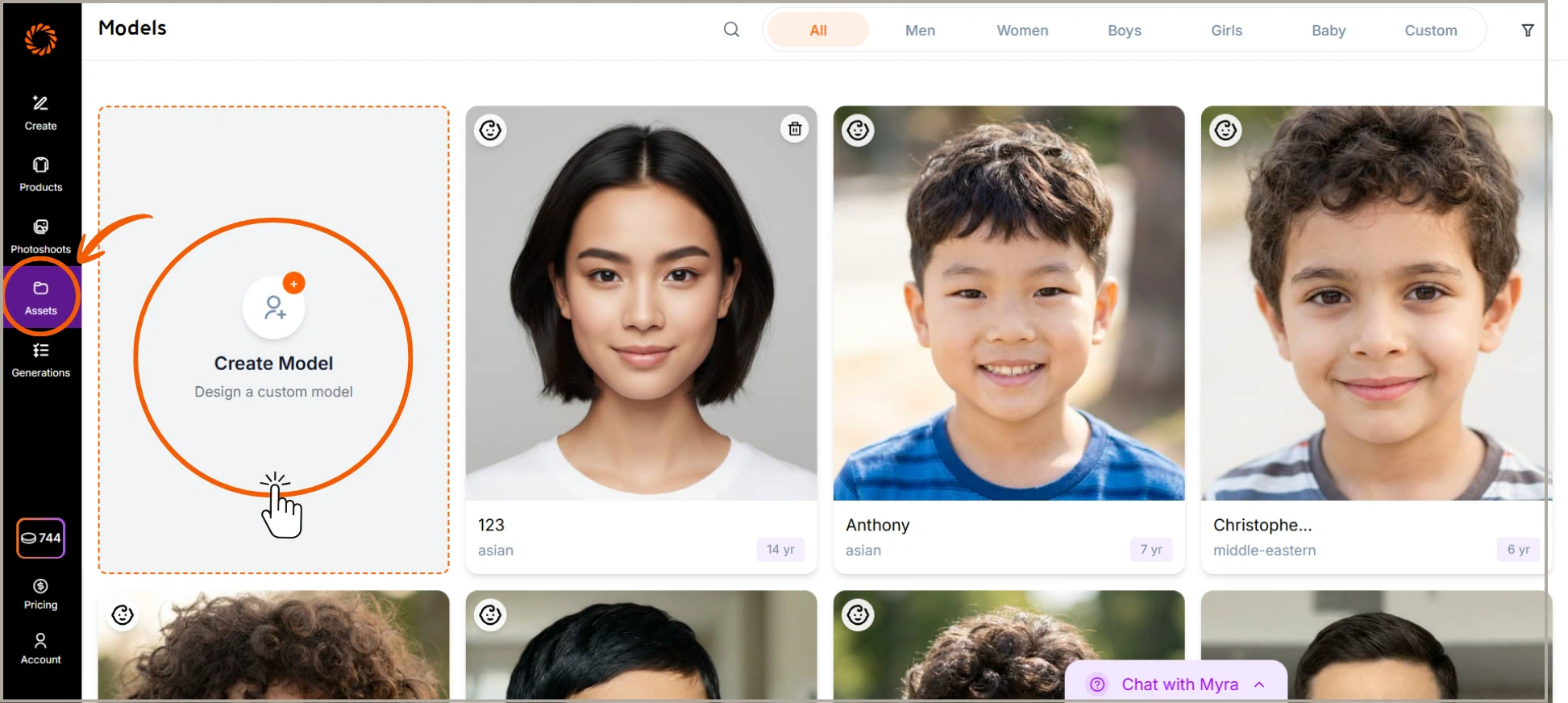
Step 2: Select Model Identity
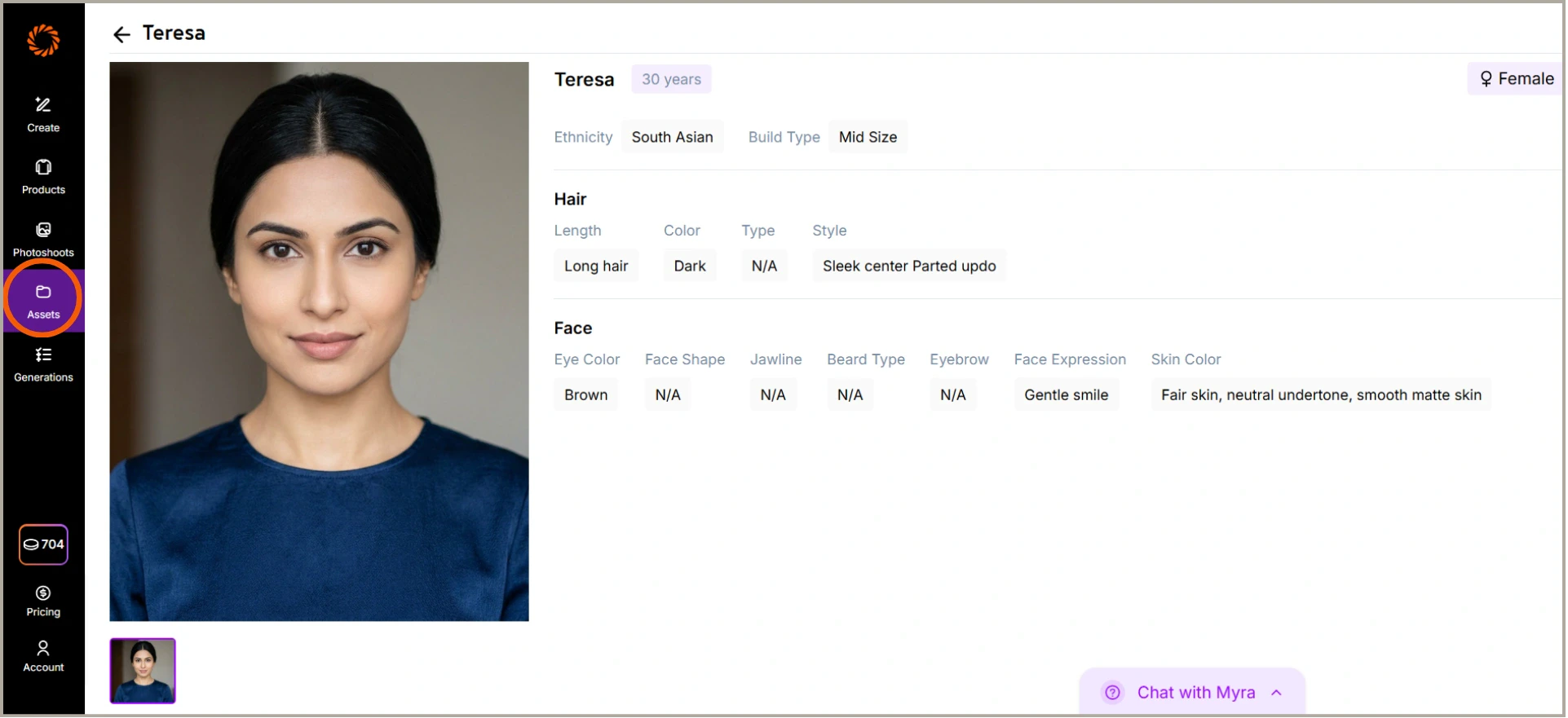
Choose the model’s identity attributes, including gender, age, ethnicity, body type, and skin tone. These details help define the overall look of your model.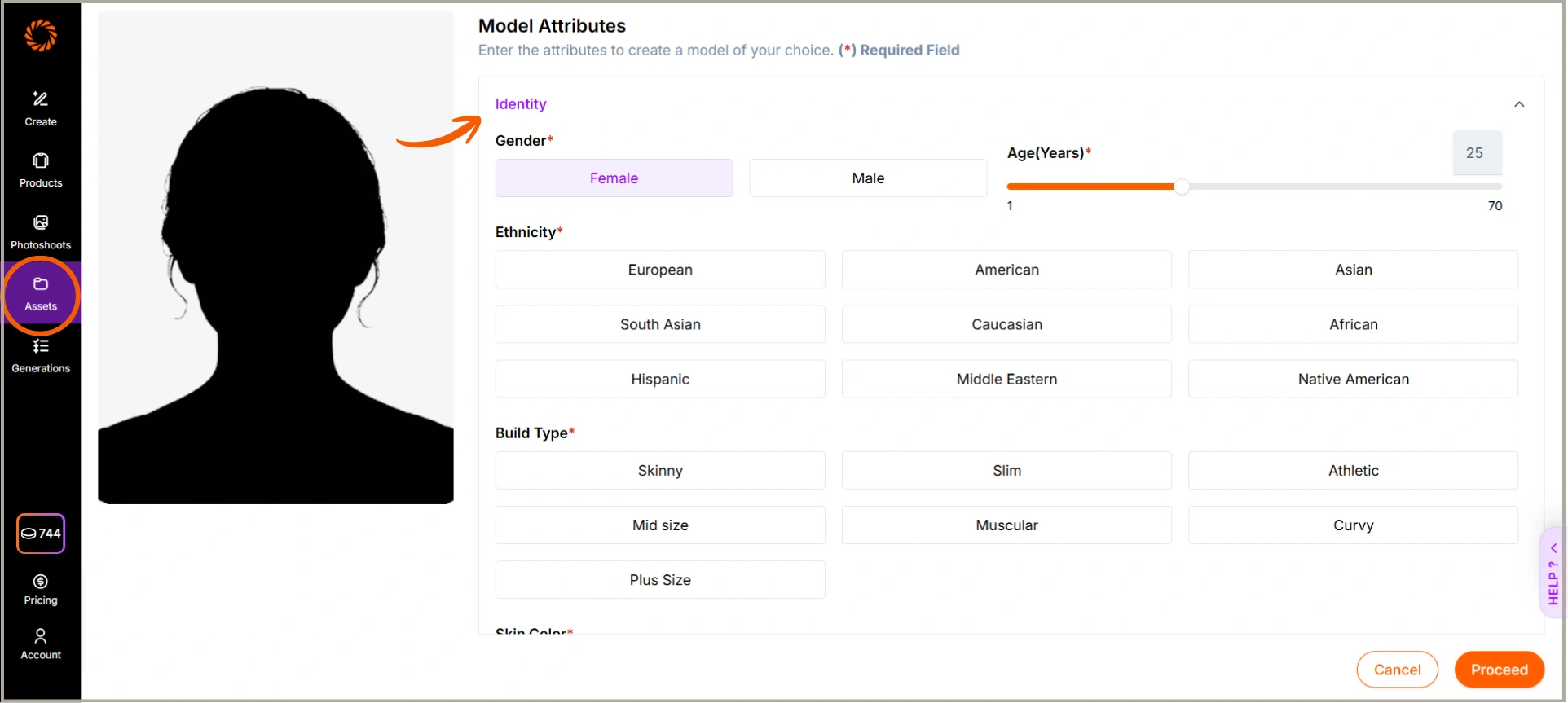
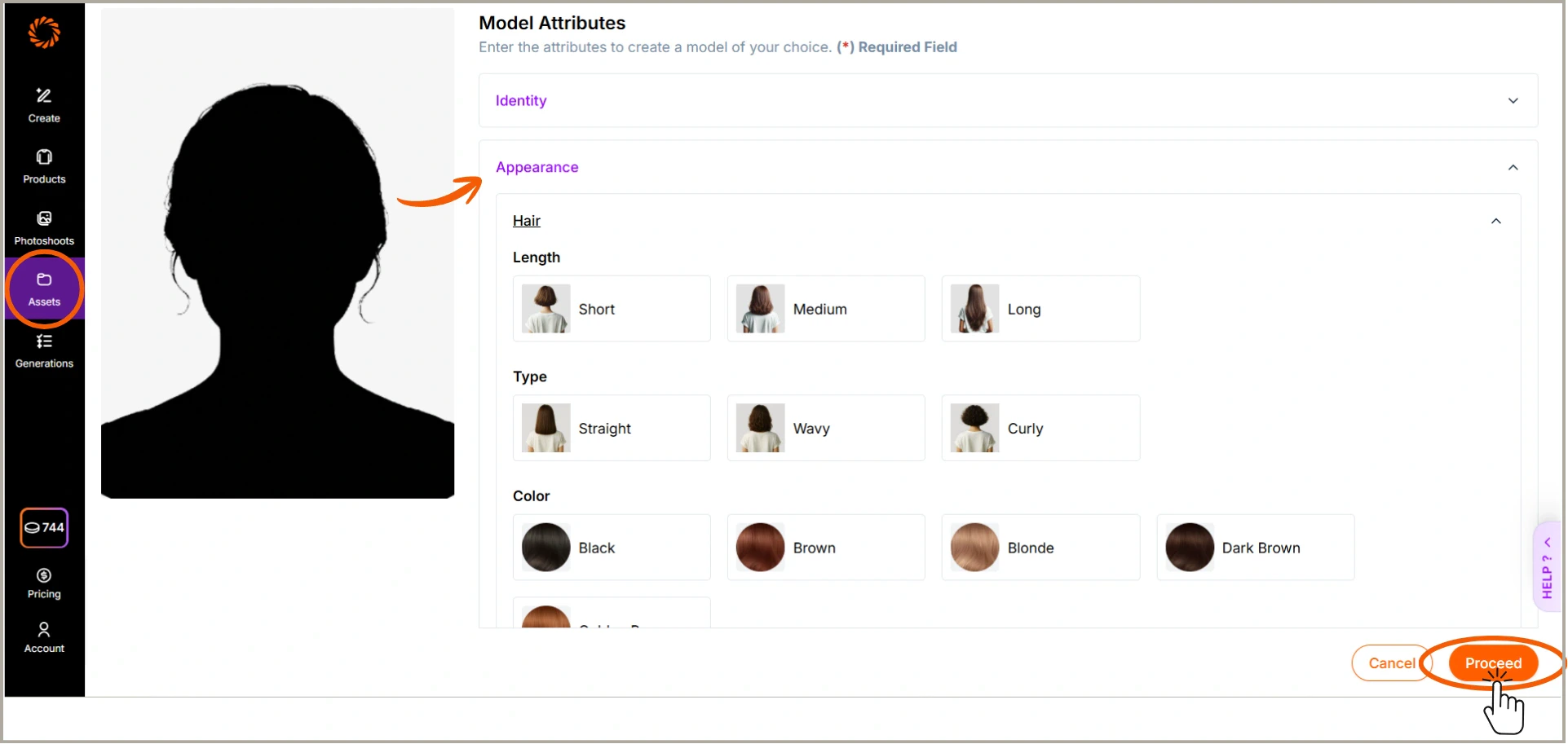
Step 3: Choose Model Appearance
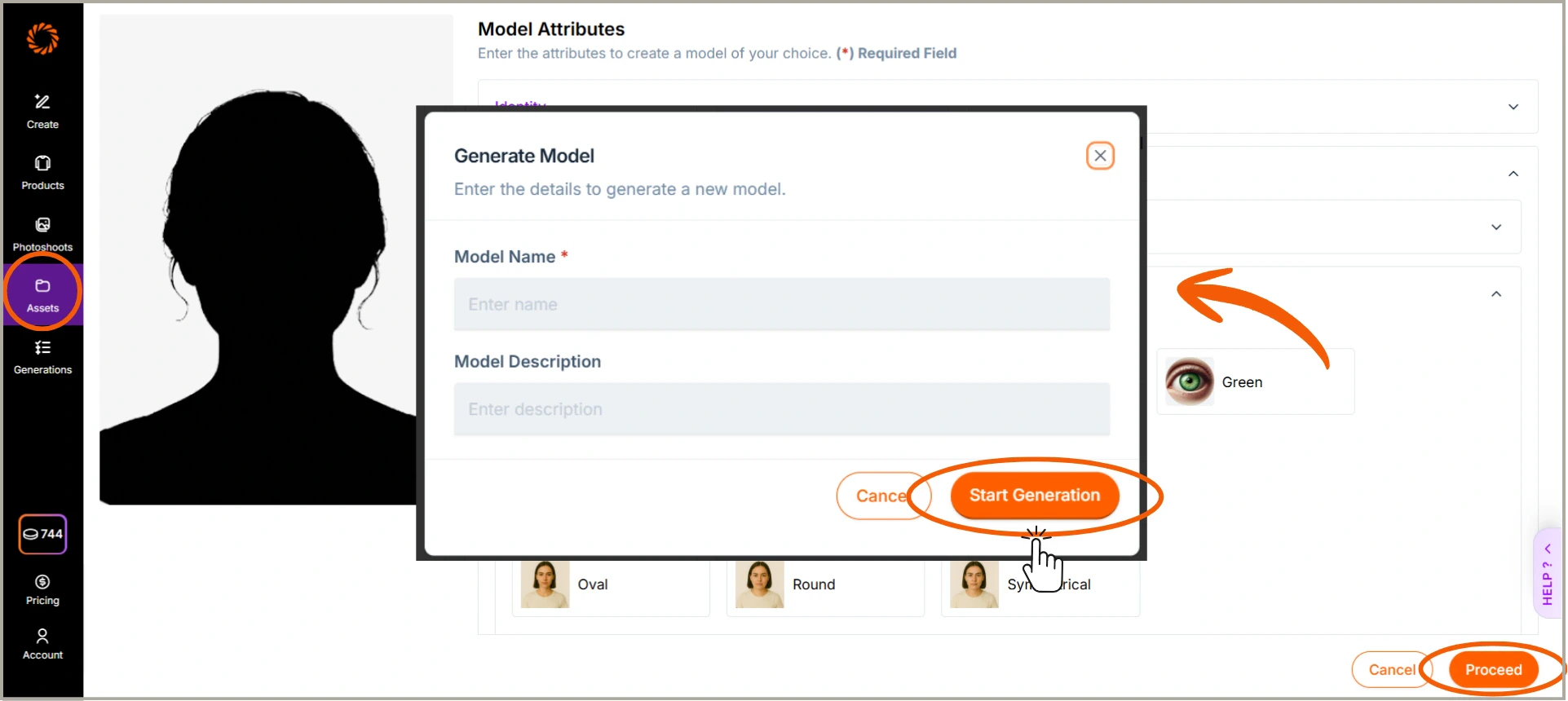
Customize the model’s appearance by selecting hair length, hair type, hair color, and other visual features. Once done, click Proceed to generate your model.